
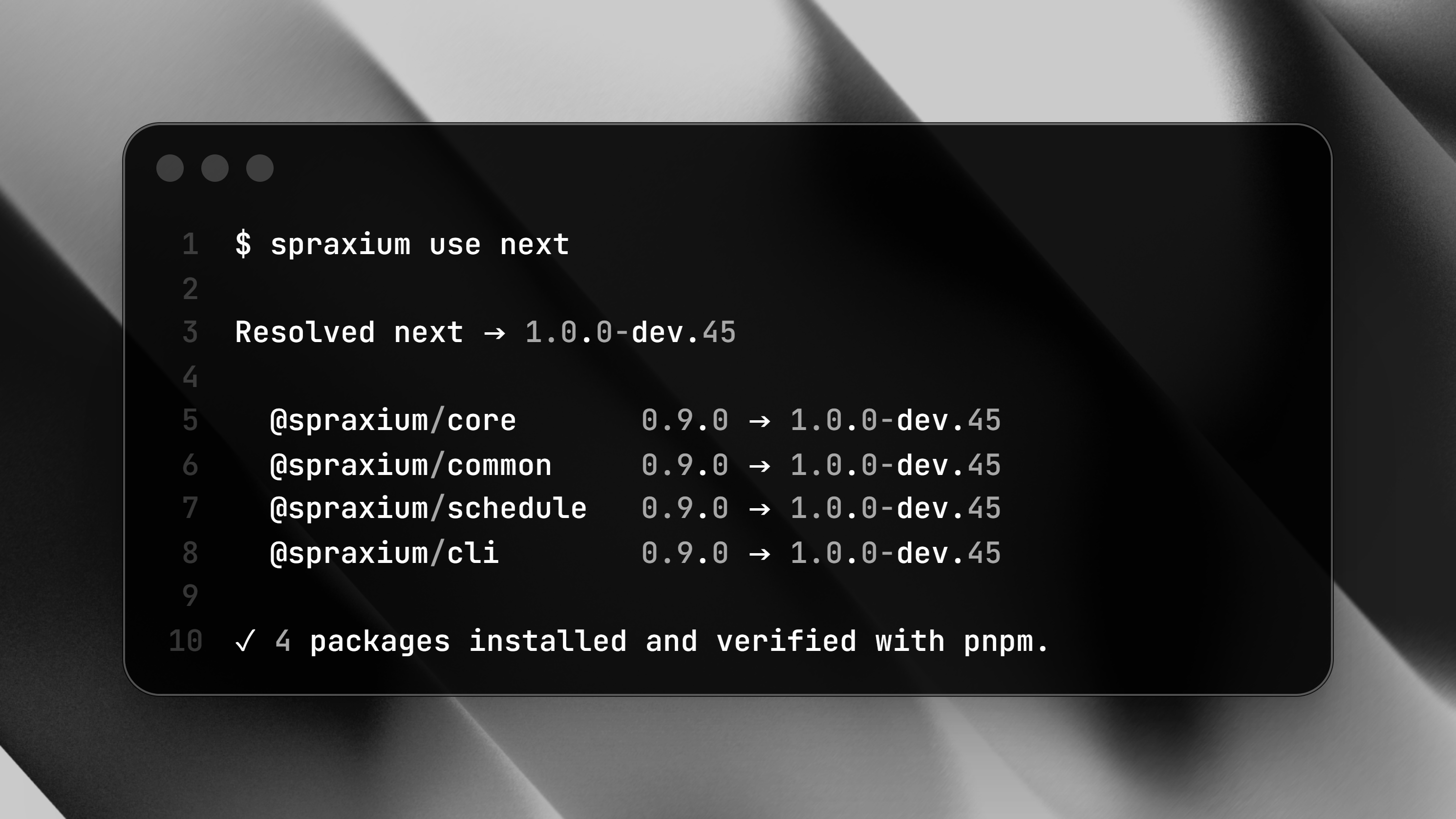
Spraxium 0.9.1 adds spraxium use, a CLI command for switching framework versions in an existing bot. The next channel opens with 1.0.0-dev.1, the first build from the 1.0 development branch. On npm, latest points to the stable 0.9.1 release.
Switch versions with the CLI
From your bot's directory, check which packages will move and then apply the switch.
pnpm dlx @spraxium/cli@next use next --dry-run
pnpm dlx @spraxium/cli@next use next
The CLI checks that the target version is on npm for each Spraxium package your bot declares. It pins those packages to the same exact version in package.json and updates the lockfile through your project's package manager. If the install fails or resolves to a different version, the CLI restores both files and tries to reinstall the previous dependencies.
Run use next again to pick up a newer preview when it ships. For a bug report or a deployment you want to reproduce, pass the exact version, such as spraxium use 1.0.0-dev.1. When you're done testing, run spraxium use stable to install the release currently tagged latest.
Version notices at startup
A bot running the preview prints the installed Core version when it starts.
Spraxium 1.0.0-dev.1 is a development build (next).Stable bots get notices for newer stable releases. A bot on the preview can also get a notice for a newer build in the same release series. Once a newer stable release is available, that notice takes priority. The registry check runs in the background and caches results for 24 hours. The installed-build line also appears offline.
What to try in the first preview
Signal Client in CommonJS. If your project already uses @spraxium/signal-client, this checks the CommonJS entry point after the switch.
node -e "require('@spraxium/signal-client'); console.log('CommonJS OK')"Redis-backed nonces for Signal. Bots running multiple instances can configure a shared Redis store through persistNonces so each instance checks the same set of nonces.
Schedule after a restart. The preview includes changes to job discovery and Redis job leases. If your bot relies on scheduled jobs, try its usual startup and restart sequence and include the installed version if you report a problem.